
FormulerZ boxes are one of the best devices for watching IPTVTUNE .
The most important advantage of FormulerZ boxes is supporting both MAC base Portal System and M3U base Playlist.
FormulerZ8 is the last version of Formuler boxes with MYTV Online 2 application which support 4K Ultra HD streaming,
In this tutorial, we are going to show you how to bring IPTVTUNE channels to your MYTV Online 2 on FormulerZ8.
This setup guide can be used for all models of Formuler devices/boxes:
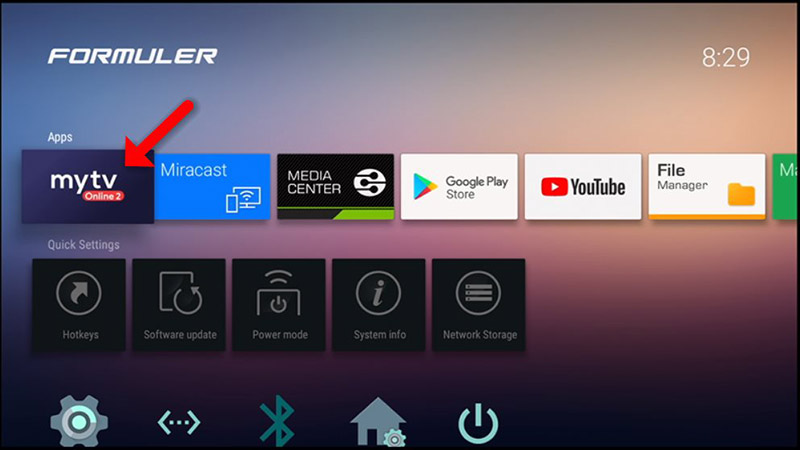
Open the exclusive application for watching IPTVTUNE in Formuler boxes “MYTV Online 2”.
If you don’t have this application on your device you can download it from the Google Play store.
You can see the box’s MAC in the top right of this page.
Please note, this MAC address must be given to your IPTVTUNE provider.
Here you can see the two options, select “Add Portal” to set the device as a MAC based device like MAG boxes.

Enter Portal Nickname (Example: MYIPTV).
Enter IPTV Portal URL you get from your IPTVTUNE provider and click on “CONNECT”. You can ask for a portal URL from your IPTV service provider.

Successful Connection! You receive all channels associated with your subscription
Please note, this might take a little time.